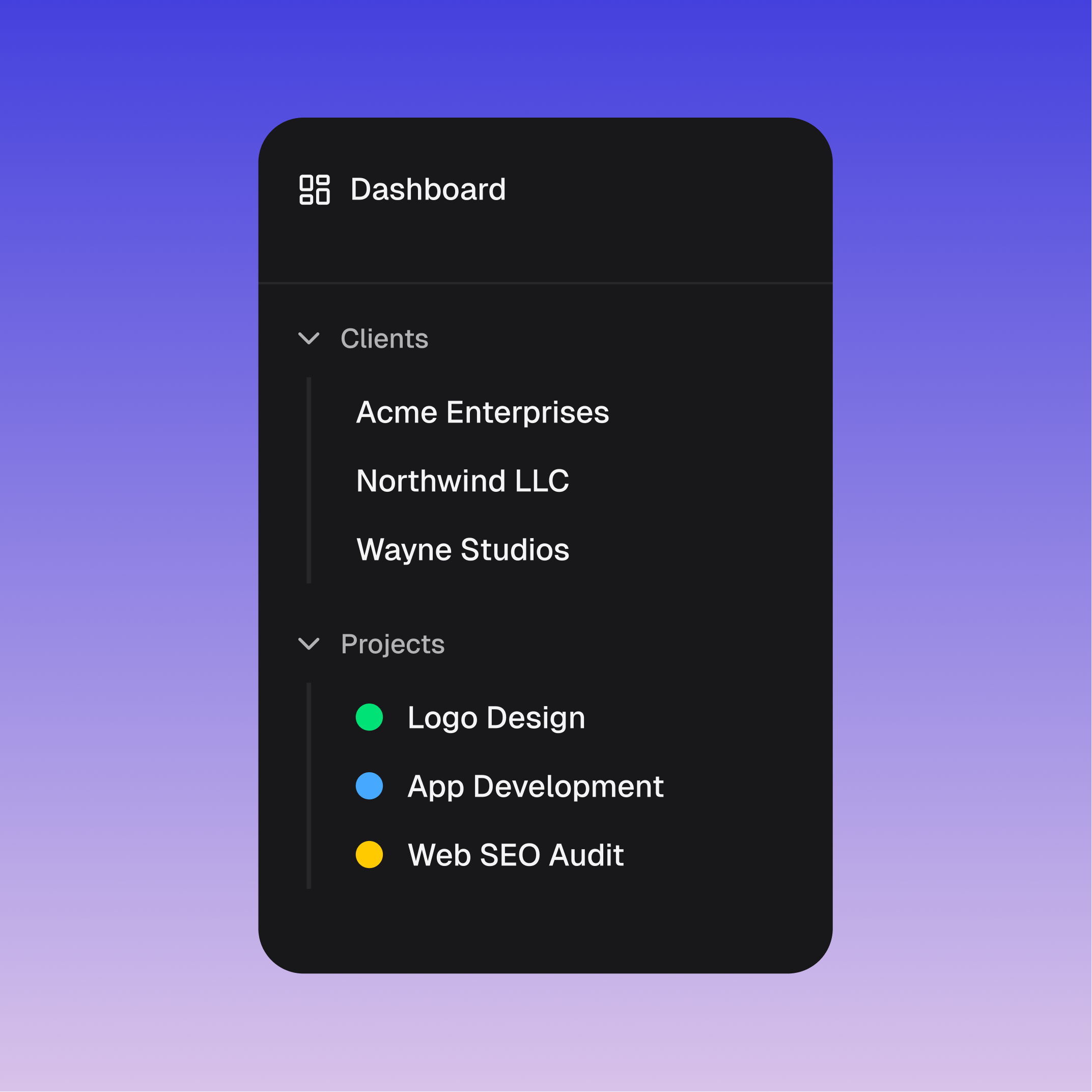
Every minute, billed to the right client.
Tell Real Soon who your clients are once. From then on, every Figma file, repo, and Zoom call lands exactly where it should.
AI-native time tracker that works in the background to log your time accurately, without breaking your flow.
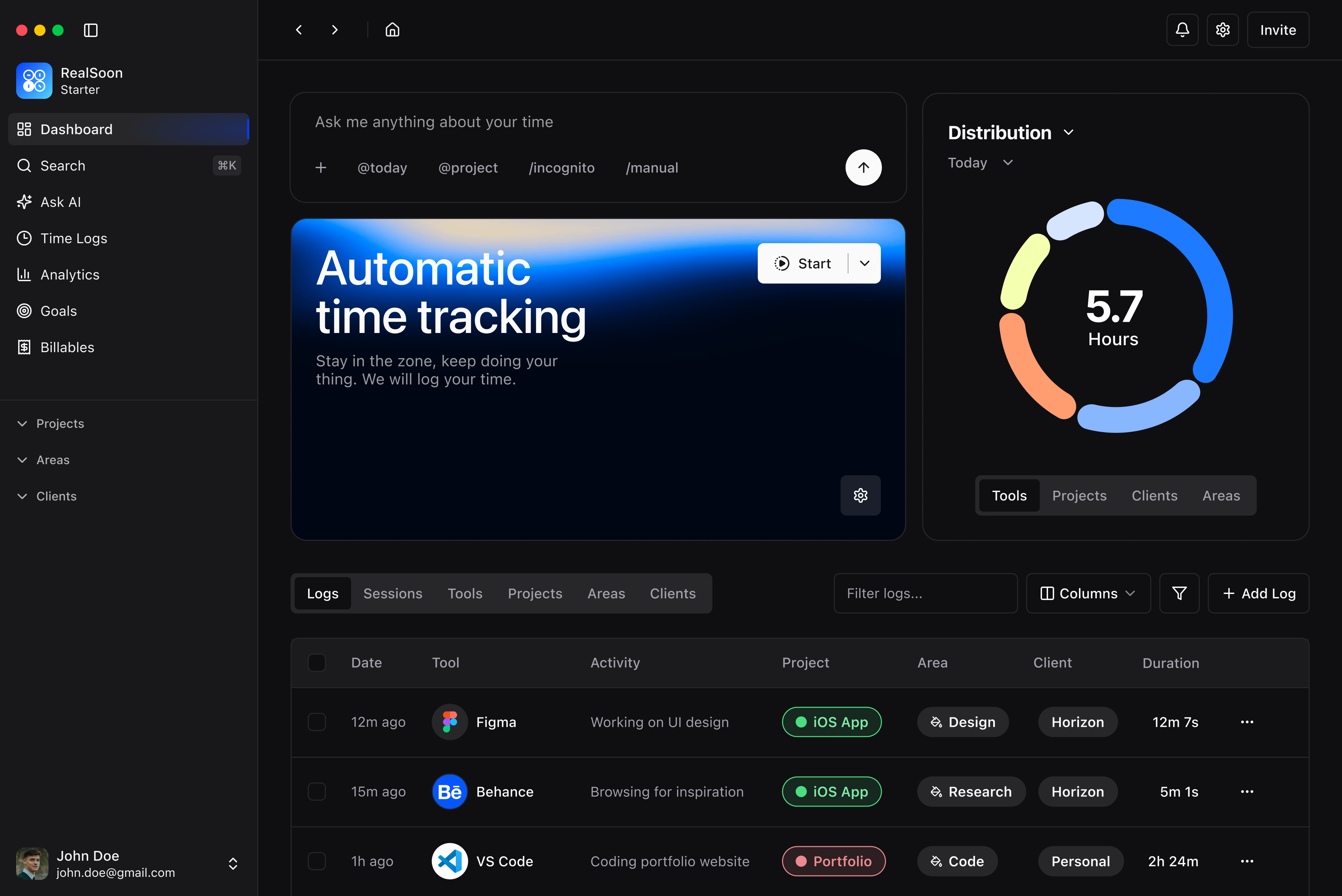
Capture your work as it happens — no manual timers, no interruptions.
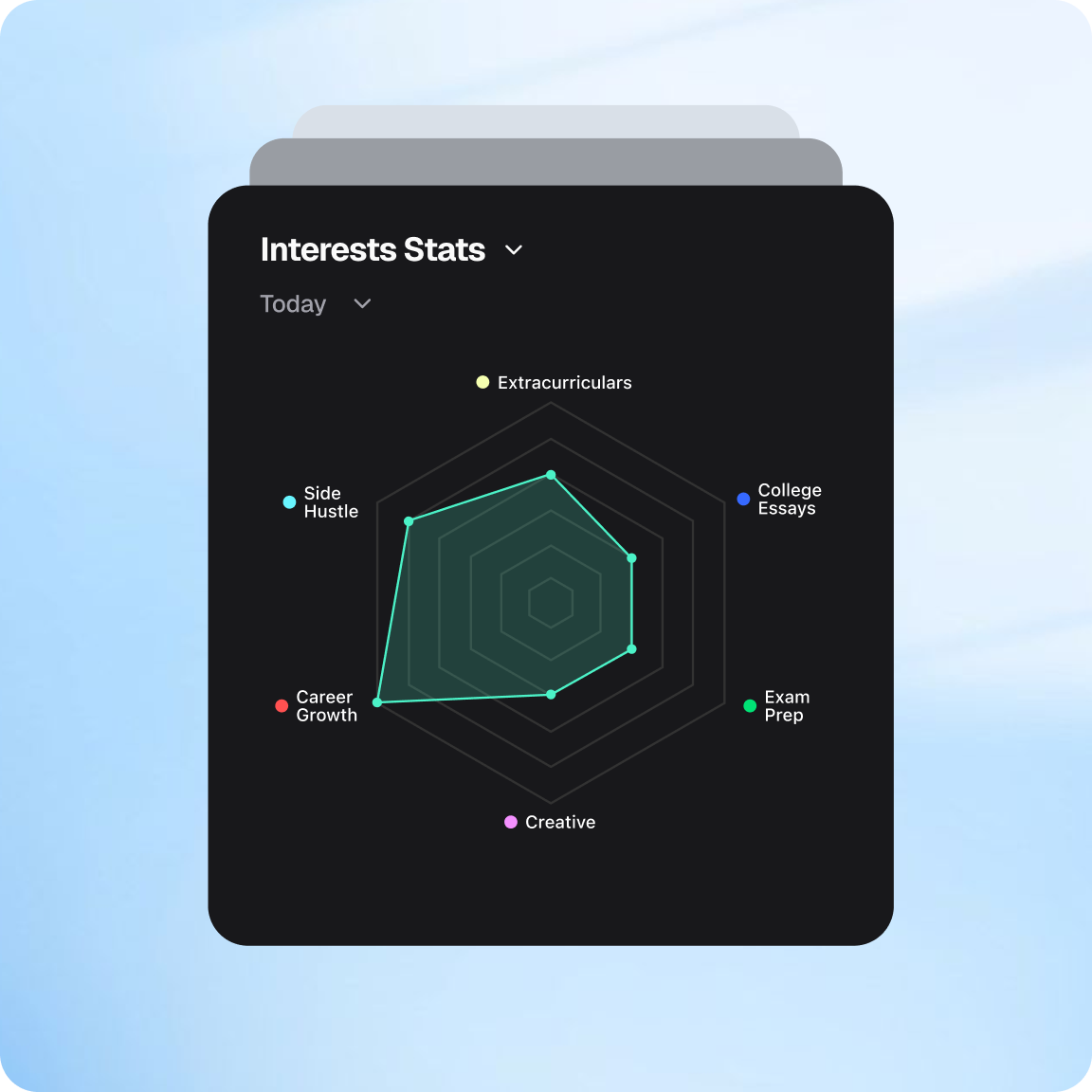
Turn raw logs into clear patterns and analytics that show where your time really goes.
Group hours by project, client, or area so everything stays in context.
|
AI also helps with automatic tracking
Powered by Google Gemini · Opt out anytime in settings
Real Soon uses AI to understand what you were actually doing, and gives you the full picture, automatically. Say goodbye to manual tracking.
Encrypted in transit and at rest. Private by default — no one at Real Soon browses your activity, and your data never trains anyone's AI models.
Your activity is encrypted in transit and at rest. Access is locked down by default — no one at Real Soon reads your window titles or notes, and your data is never used to train AI models.
Working on something sensitive? One click pauses all tracking. Nothing is recorded, nothing is synced. Pick up right where you left off when you're ready.
Some apps should never be tracked. Blacklist any app and Real Soon will permanently ignore it — no activity, no data. It's like it doesn't exist.
Real Soon is the only automatic time tracker with live AI contextualization — every minute lands in the right client and project the moment it happens. Then chat with your time to get instant answers.
| Real Soon | Rize | Timely | Toggl Track | RescueTime | |
|---|---|---|---|---|---|
| Live AI categorization | Instant | — | — | — | — |
| Runs automatically in the background | ✓ | ✓ | ✓ | — | ✓ |
| Ask AI about your time | ✓ | — | — | — | — |
| Post-session AI cleanup | ✓ | ✓ | ✓ | — | — |
| Auto-assigns to clients & projects | ✓ | ✓ | ✓ | — | — |
Comparison based on publicly available product information, April 2026.
Tell Real Soon who your clients are once. From then on, every Figma file, repo, and Zoom call lands exactly where it should.
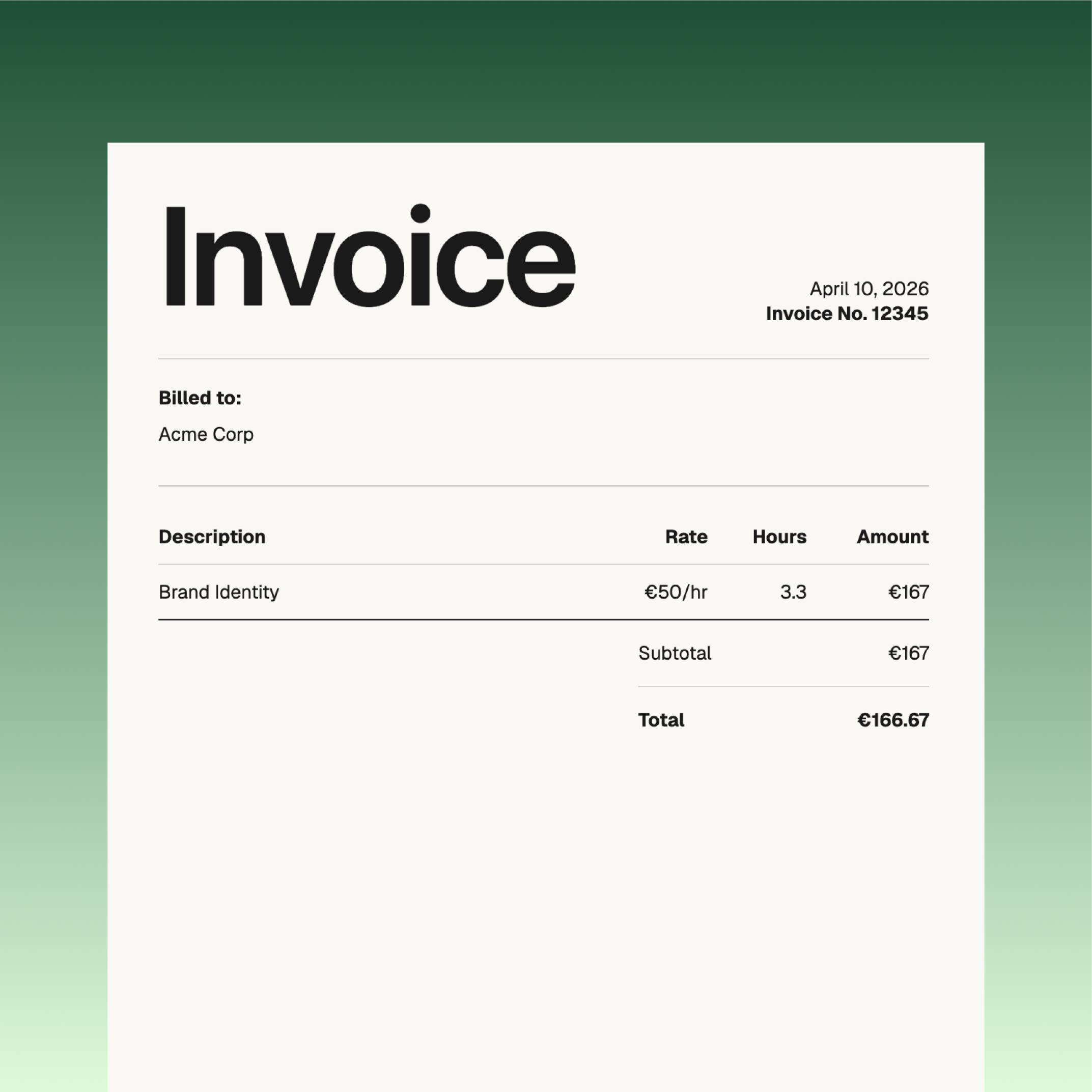
Your hours are already sorted, itemized, and branded by the time the month ends. One click turns them into a PDF your client can pay.
See exactly when your workday starts and ends, how often you work after hours, and whether that "quick check" at 9 PM is actually 90 minutes. Boundaries start with awareness.
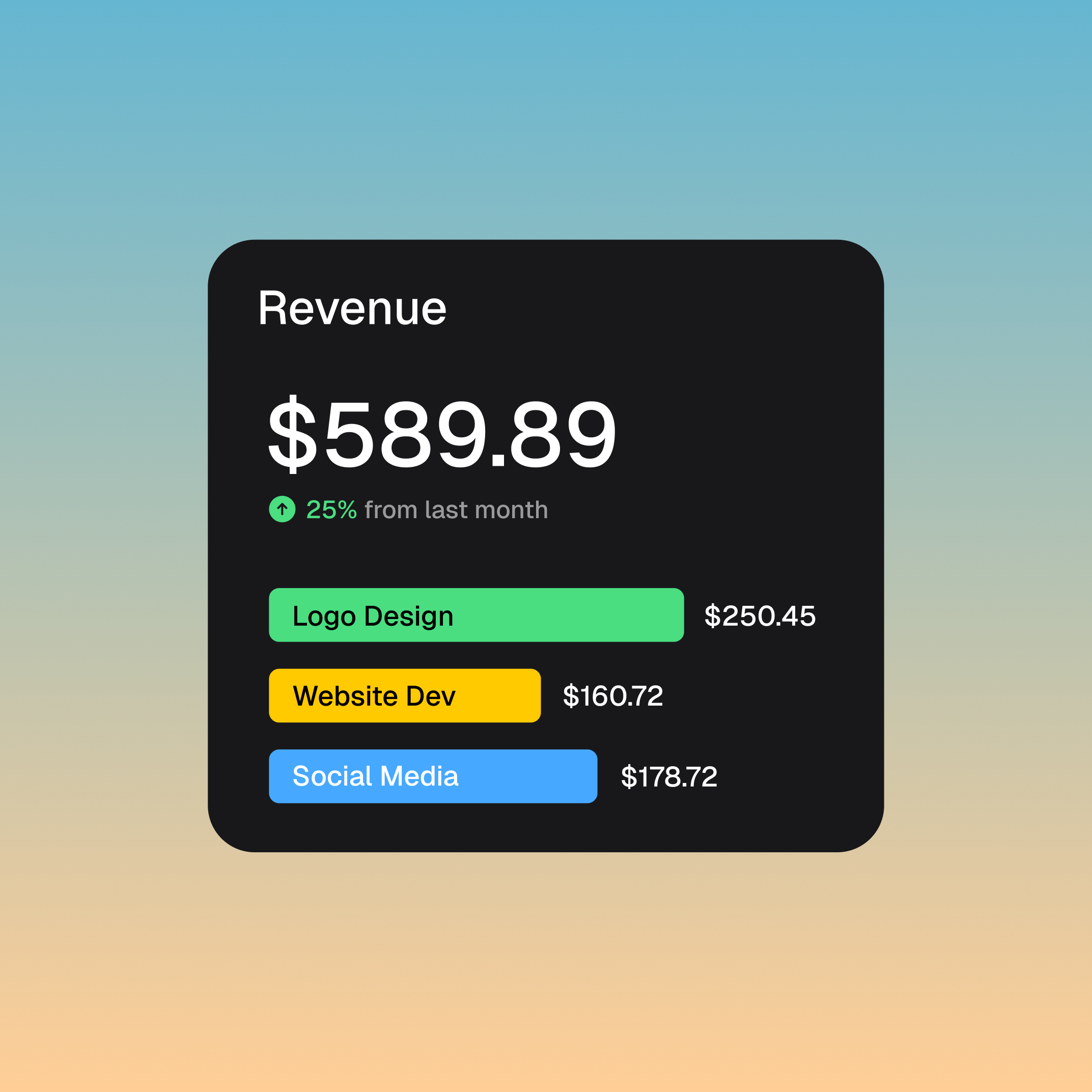
You already know where your best hours go. Now you have proof. Real Soon gives you a client-ready log of every project, every hour — so when you're ready to go solo, the leap isn't blind.
See how you can freelance with Real SoonBecause you'll forget to start the timer. Every time. Real Soon runs in the background and tracks everything automatically — no buttons, no timers, no "oh wait, I forgot to log that." AI handles the categorizing so you just get a clean breakdown at the end of the day.
Nope. Install it, set up your projects, and forget about it. Real Soon watches which apps you use and automatically sorts your time into the right buckets. You can ask the AI chat questions like "how much time did I spend on client work today?" whenever you're curious.
Anyone who works on a computer and wants to know where their time actually goes. Freelancers who need to bill clients, founders juggling ten things, remote workers who want to stay honest with themselves — if you've ever wondered "where did the day go?", this is for you.
There's a free Starter plan that lets you try everything out — no credit card, no time limit. When you want more credits and AI queries, paid plans start at a few bucks a month. Check out pricing for the full breakdown.
All of them. Real Soon tracks time at the OS level, so it works with whatever you're using — Figma, VS Code, Chrome, Slack, Notion, you name it. No integrations to set up, no plugins to install.
Email support@realsoon.app or use the contact page. Right now it's just the founder reading and replying to every message — so you'll get a real answer, not a bot.